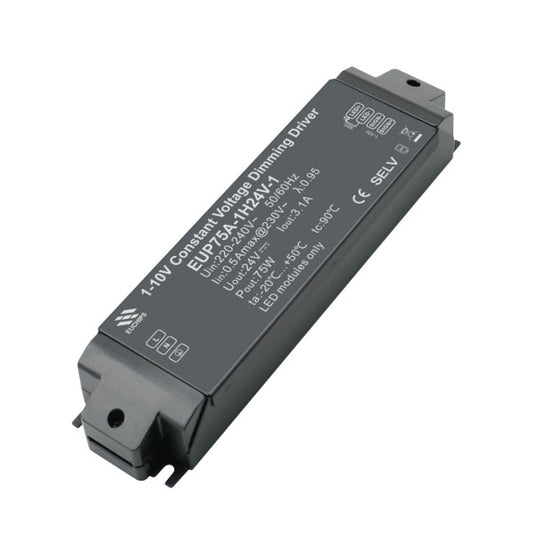
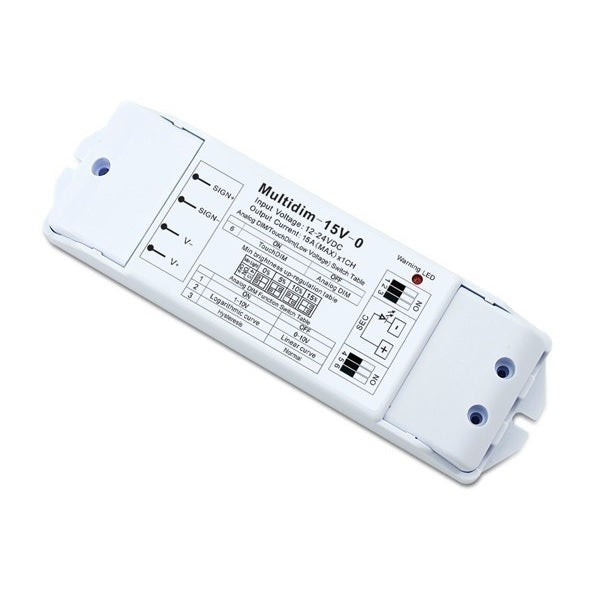
Euchips 12V 24V DC 1 Channel Constant Voltage Dimmable Driver Multidim-15V-0
Euchips 12V 24V DC 1 Channel Constant Voltage Dimmable Driver Multidim-15V-0
SKU:203200031101
Couldn't load pickup availability
Delivery
Delivery
Singapore
1-3 work days ( 90% of Shipments)
For items that are stocked outside Singapore, it takes 7 - 14 work days.
International
7-14 work days.
Pick FEDEX at checkout for reliable and Fast Deliveries.
Taxes
Taxes
Singapore
GST Not Applicable - Prices displayed are final prices.
International
As per importering country's Duties and taxes. To be paid to Carrier or Customs Dept. Importer is responsible for Import Duty and Taxes.
Contact Us
Contact Us
cs@delight.com.sg
Tel: +65 6429 8402
Whatsapp: +65 8900 0895
We admit ! For Technical Clarifications, our AI BOT is Quicker than us. Try it !
Technical Details
This is a multi-functional LED dimmer, dimming mode, dimming curve, min brightness level all can be selected by dip switch.
|
Product Name: 12V 24V DC 1 Channel Constant Voltage Dimmable Driver |
|||
|
Model:Multidim-15V-0 |
|||
|
Input Voltage: |
DC12/24V |
Loadable current |
15A |
|
Material |
ABS+PC |
Output Power: |
180W/12V, 360W/24V |
|
Working Temp: |
-35℃-55℃ |
Packing Size: |
L167×W52×H24(mm) |
|
Protection (with warring led) |
Short-circuit Protect Over Current Protect Over Temperature Protect |
Gross Weight: |
93 g |
|
Memory Function |
Available in touch dim Function |
||
Function Select Table
1. Analog Dim/Touch Dim Switch Table
Analog dim mode is selected by Switch bit 6 to off status, and if switch bit 6 to on status Touch Dim function will be selected.
Touch dimmer is only a switch, signal isn’t have polarity in touch dim function.
2. Min Brightness Switch Table
Min brightness can be set in this dimmer from 0-15%. This function is available in both analog function and touch dim function. This feature is very effective to solve the led flicker issue in low-end. If led flicker, please up-regulate the min brightness.
3. Anti-interference Switch Table
Normal or Hysteresis
4. Dimming Curve Switch Table
Linear dimming or Logarithmic Dimming
5. Dimming Mode Switch Table
0-10V Dimming or 1-10V dimmng
Wiring Diagram
1. Analog dimmer mode

2. Touchdim mode

1. Short press the Touch DIM switch (<0.5s) to control the lamp on or off.
2. Long press the Touch DIM switch (>0.5s) to dim the brightness of light;
The Dimming direction will inverse each time after long pressing switch.
(3)When the light power off, long press the Touch DIM switch can turn on the light and adjust it brightness according to the dimming direction.
(4)The brightness adjustment range is 5%-100%, and the light can be turned off through short pressing.
(5)Power off memory function, the power-down state before will be maintained when power on again.
About the brand
Euchips · China
Euchips is a brand of Shanghai Euchips Industrial Co., a Chinese manufacturer of LED drivers and lighting controls. The Euchips range on Delight consists of TRIAC-dimmable constant current LED drivers in several wattages and output currents for dimmable LED lighting installati...
Genuine Euchips products, sourced directly from the manufacturer or its authorised distributors.
More from Euchips
View all 69 Euchips products-
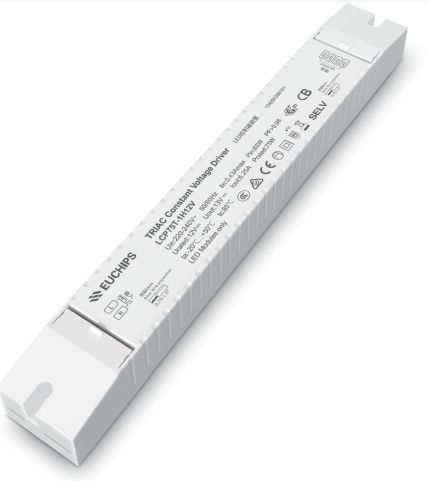
Euchips LCP 1H Series TRIAC Constant Voltage Dimming Driver
Regular price From $ 64.50 SGDRegular price$ 69.00 SGDSale price From $ 64.50 SGDSale -
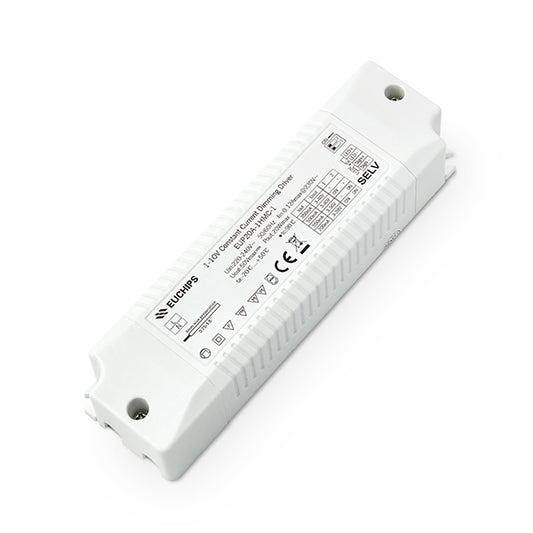
Euchips EUP 1HMC-1 Series 1-10V Dimming Constant Current Driver
Regular price From $ 18.00 SGDRegular price$ 17.00 SGDSale price From $ 18.00 SGD -
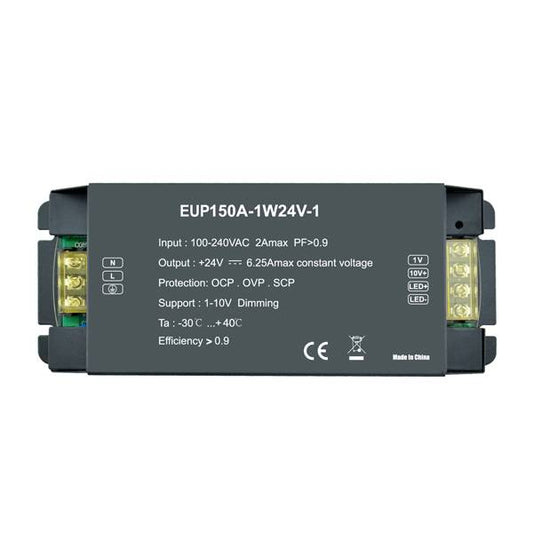
Euchips 150W 24VDC 6.25A*1ch 1-10V EUP150A-1W24V-1 LED Constant Voltage Dimmable Driver X10pcs
Regular price $ 800.00 SGDRegular price$ 900.00 SGDSale price $ 800.00 SGDSale -
Euchips EUP A 1HMC-1 Series 1-10V Dimming Constant Current Driver x10pcs
Regular price From $ 260.00 SGDRegular price$ 280.00 SGDSale price From $ 260.00 SGDSale -
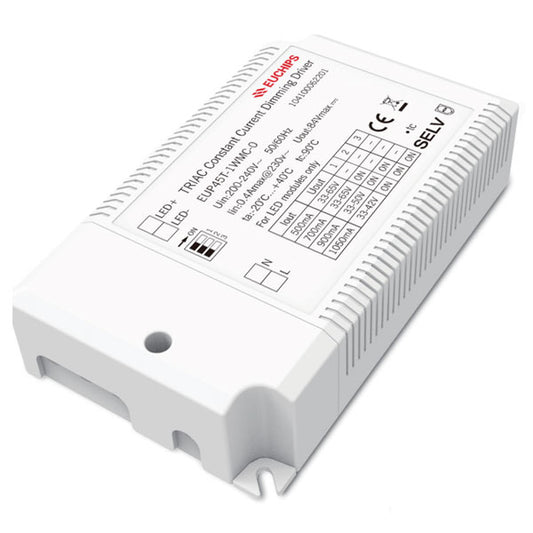
Euchips 45W 500/700/900/1050mA*1ch Constant Current LED Driver EUP45T-1WMC-0
Regular price $ 31.00 SGDRegular price$ 34.00 SGDSale price $ 31.00 SGDSale -
Euchips 75W 24VDC 1-10V LED Constant Voltage Dimmable Driver EUP75A-1H24V-1 X10pcs
Regular price $ 620.00 SGDRegular price$ 620.00 SGDSale price $ 620.00 SGD